3D printed maps of the places you know.
A 3D printed map turns a place into something you can hold: its mountains, valleys, coastline or city blocks in relief. Printed Canyon makes the STL and 3MF files from any place or GPX route. Download them for $0, then print the map yourself or with a 3D-printing service.
Pay what you want. Digital files. No account.
Choose the kind of map
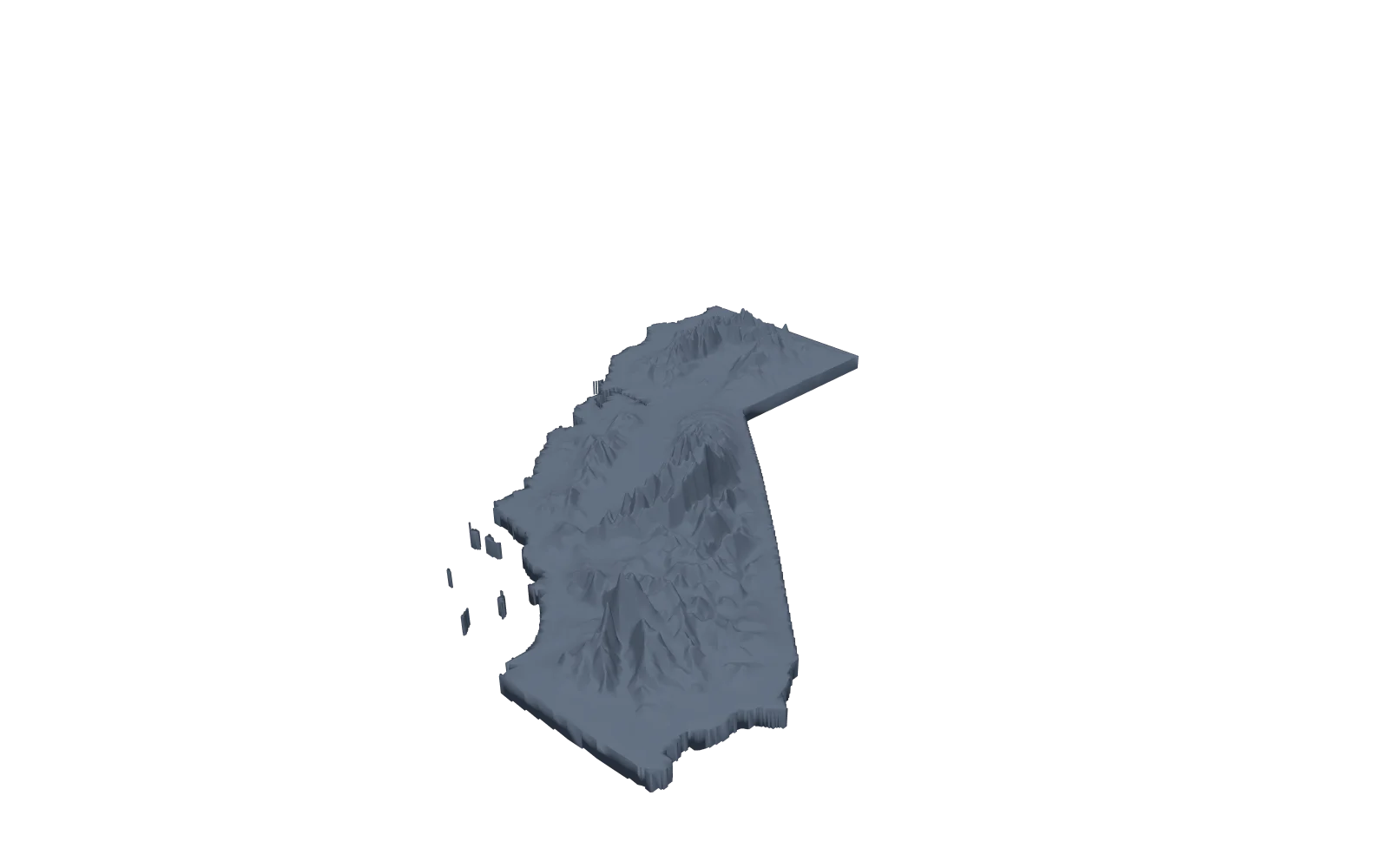
Topographic maps
The terrain of a region, a national park, a country or a US state, cut to a shape or to its outline.
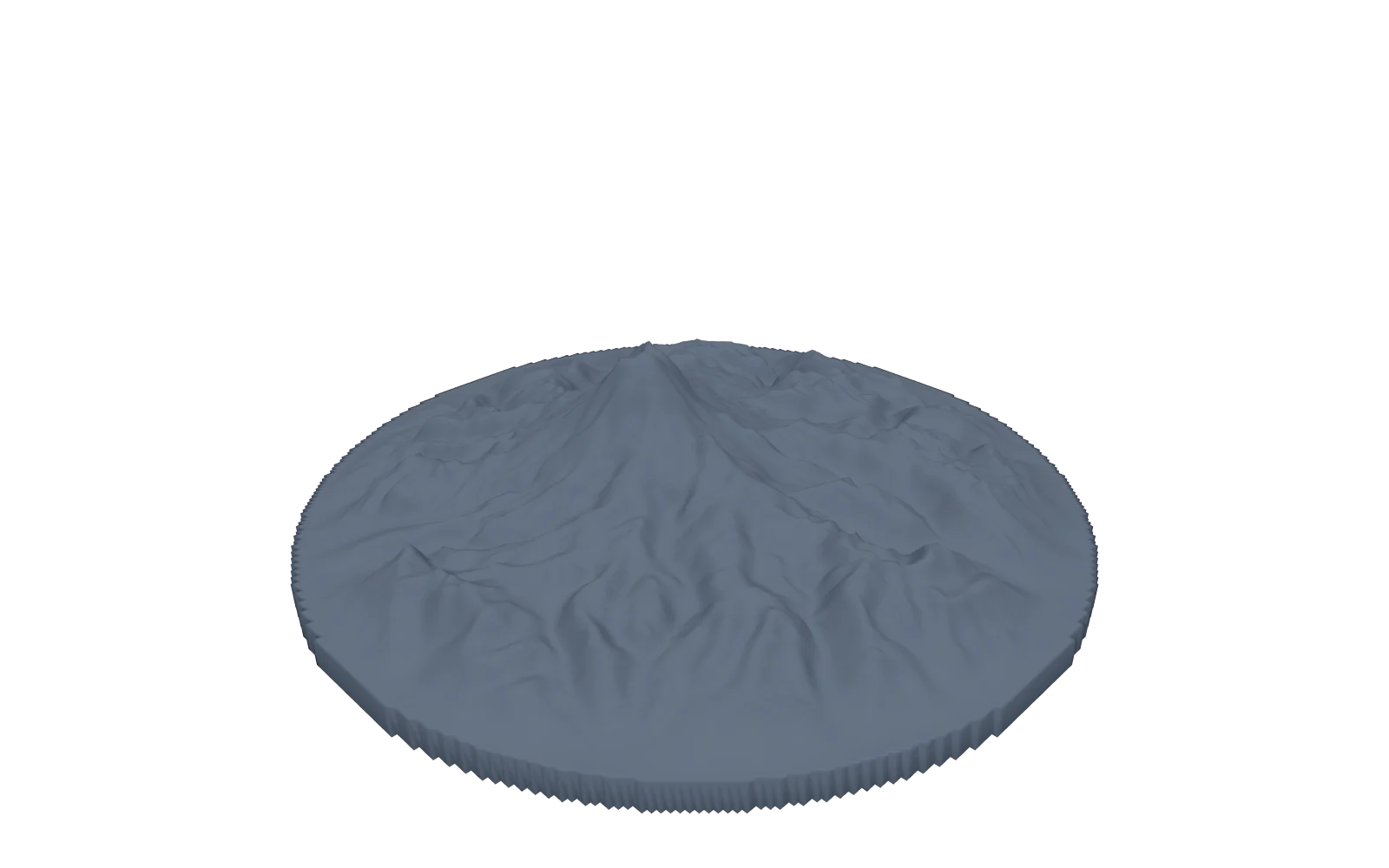
Mountains
A single peak or a range, from Everest to Mount Fuji, framed around its summit.
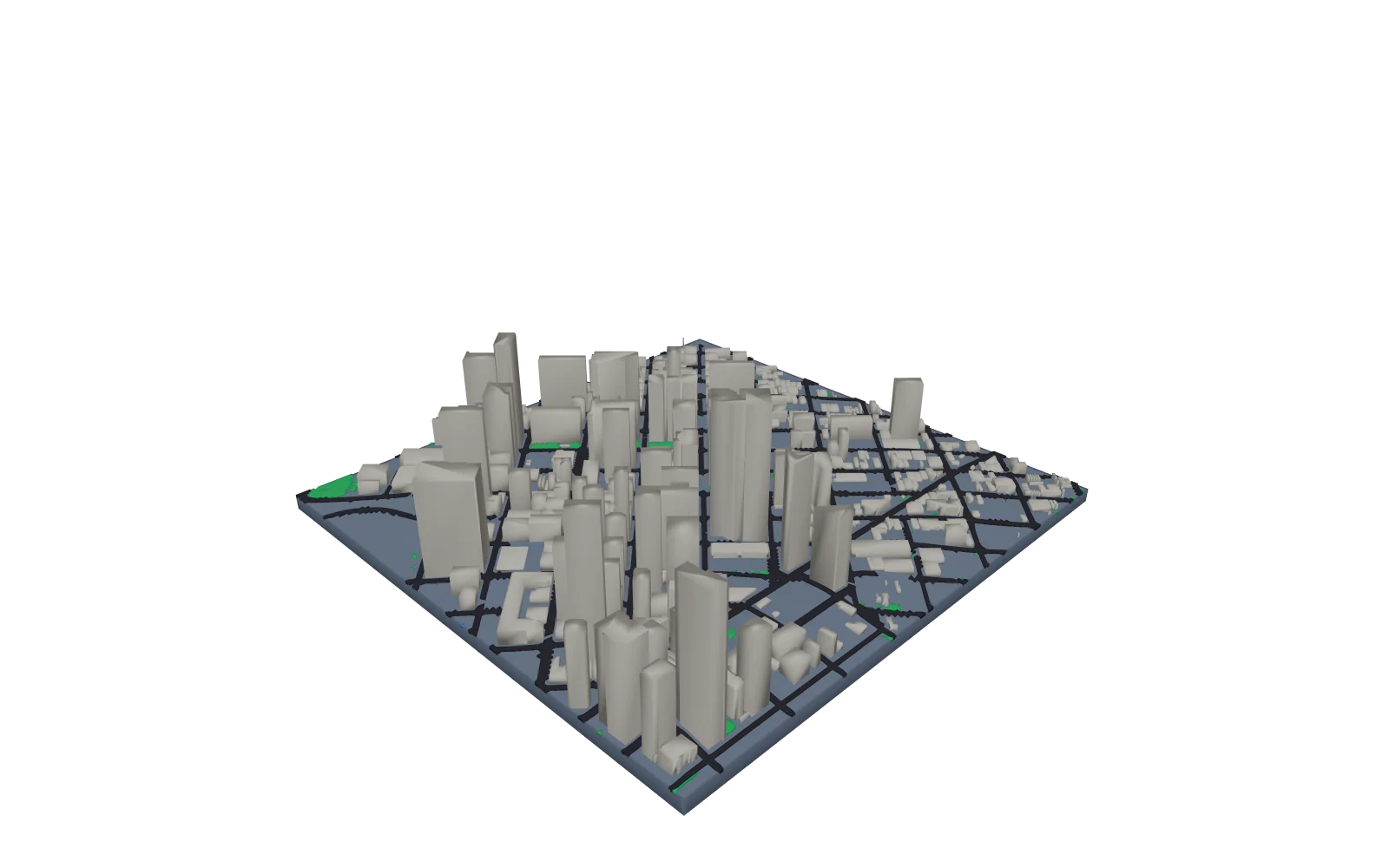
City maps
Buildings, roads, water and parks on the terrain, each a separate part for multi-color printing.
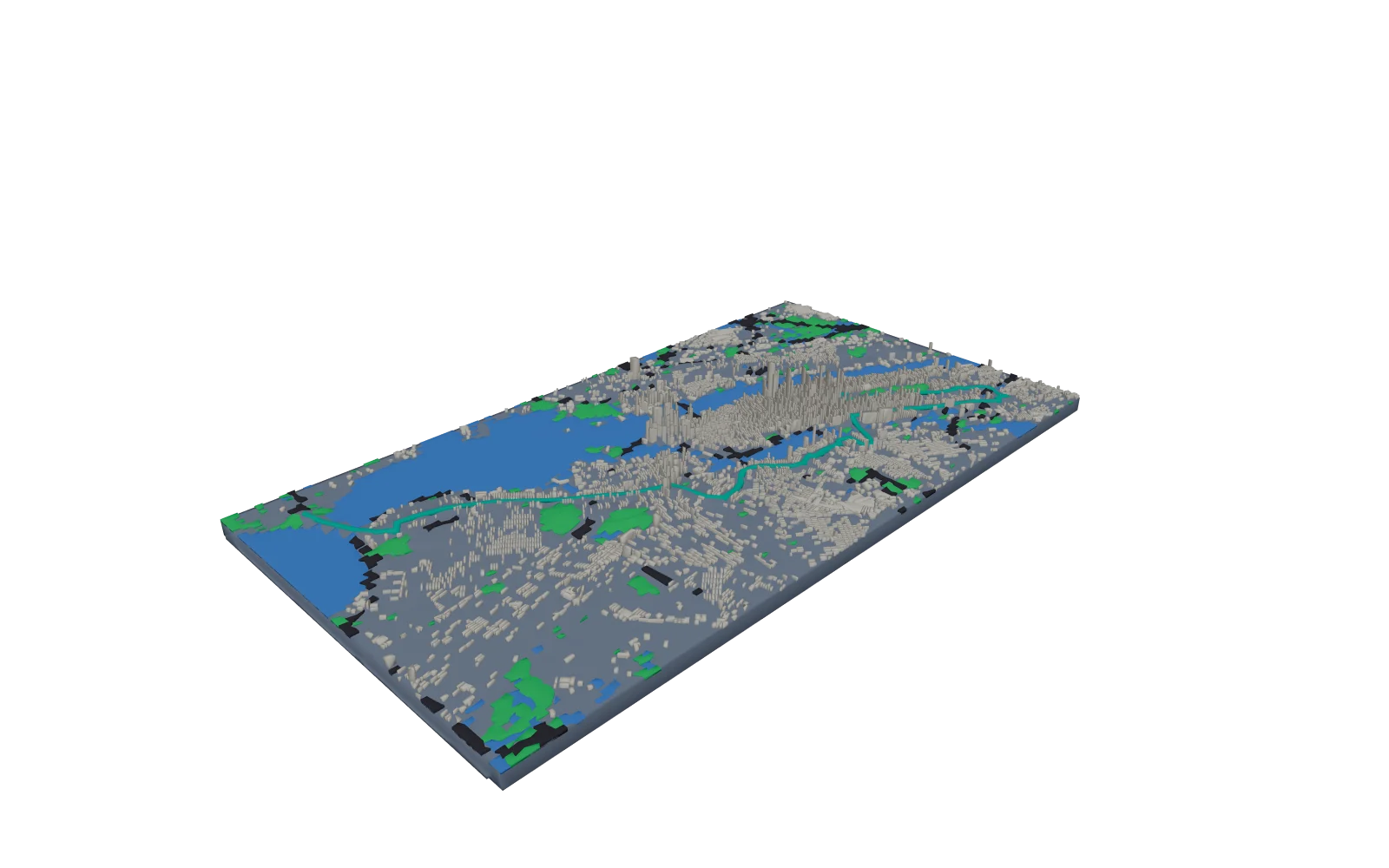
Route maps
Your hike, ride or run from a GPX file, raised on the terrain or printed as a separate part.
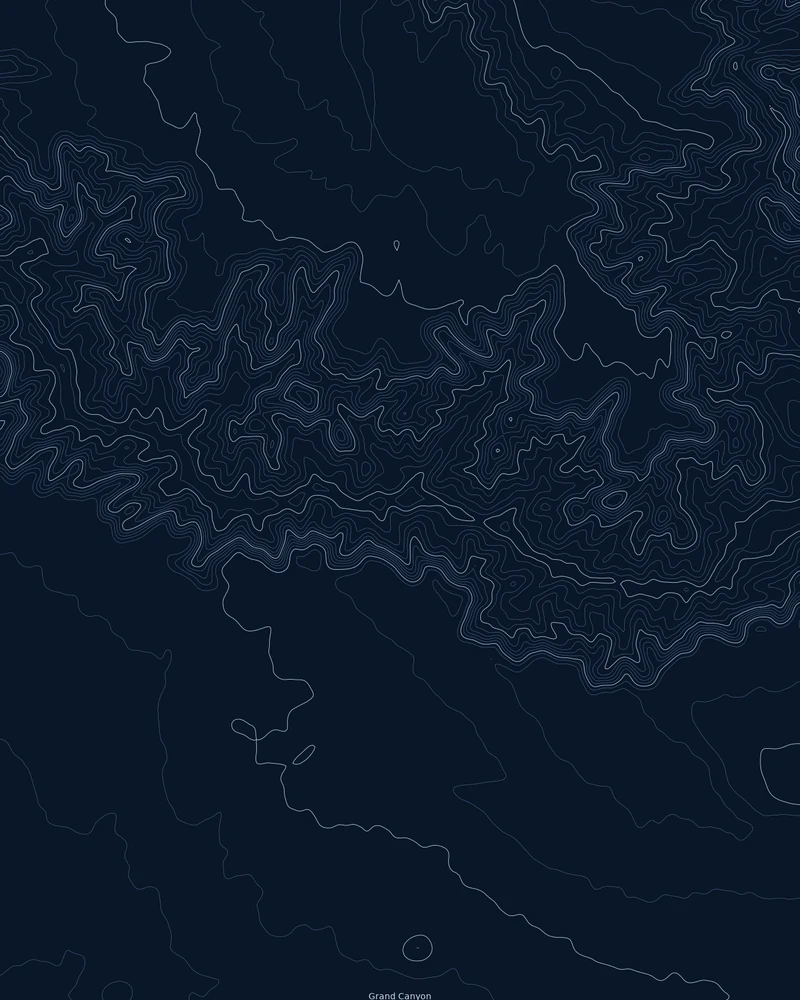
Flat contour maps
No printer? The same terrain as contour line art, downloaded as PNG, PDF and SVG for the wall.
How to make a 3D printed map
- Step 1
Pick a place or a route
Search for a place, pick a country or US state, open a famous place, or upload a GPX file.
- Step 2
Shape the model
Choose the 3D Terrain Model, then set the base shape, Model size and relief. Turn on City features for buildings and streets.
- Step 3
Download the files
Generate STL or 3MF and pay what you want, including $0. A GLB comes with them for viewing.
- Step 4
Slice and print
Import the file in millimeters, keep it flat on its base, and use the print settings below.
Print settings
Starting points for an FDM printer. Check the dimensions and the layer preview in your slicer before you print.
- Nozzle
- 0.4 mm, the usual default. City buildings are made at least 1 mm wide and roads at least 0.6 mm so they print with it.
- Layer height
- 0.12 to 0.16 mm for gentle hills and plains, where thin layers smooth the steps between elevations. 0.2 mm is fine for steep mountains.
- Supports
- Usually none. Print the model flat on its base, the way it is exported.
- Infill
- 10 to 15% is plenty for a display piece. Add a few top layers if gentle slopes show gaps.
- Size
- 200 mm on the longest side by default, from 50 to 500 mm. Import in millimeters, because STL stores no units. For a model larger than your bed, split it into tiles under Printing; they join with bowtie keys.
- Color
- Use 3MF to give a separate route, water or city layer its own filament. With one extruder, add filament changes at chosen layer heights in your slicer for color bands by elevation.
Replacing Map2Model? Compare its terrain and city workflows with Printed Canyon.
Questions about 3D printed maps
What is a 3D printed map?
A physical model of a place with its terrain in relief, printed from a 3D model file. Printed Canyon makes the STL and 3MF files; you print them or have a service print them.
Which kind of 3D map should I make?
A topographic map for a region, state or country, a mountain model for a single peak, a city map for buildings and streets, or a route map to put your own GPX track on the terrain.
What printer do I need?
Any FDM or resin printer that opens STL or 3MF files. Set the model size to fit your bed, or split a large model into tiles that join with bowtie keys.
How much does a 3D printed map cost?
Downloads are pay what you want, including $0, and you do not need an account.
Can you print and ship the map for me?
No. Printed Canyon makes digital files only. Print them on your own printer or send them to a 3D printing service.